Code review
PR Reviewer
How Trace reviews your team's pull requests for security issues, what it posts on GitHub, how to triage findings from the PR, and where to see what it caught.
A pentest tests your running application. The PR Reviewer add-on checks each change to its code, as a pull request, before it merges. It looks for:
- Business logic flaws. Auth, access control, and workflow bugs, judged against what Trace has learned about how your system works.
- Static analysis. Injection, SSRF, XSS, and the rest of the OWASP Top 10 in the code you changed.
- Secrets. Keys, tokens, and credentials, caught before they land in your git history.
- Supply chain. New and bumped dependencies, checked for known vulnerabilities.
The PR Reviewer requires the standard Trace GitHub App, which can write to your pull requests.
What you see on a pull request
The PR Reviewer covers every repository you include for scanning. When a pull request is opened, reopened, or gets a new commit on an included repository, Trace reviews the change and posts three things:
- A check run named Trace Security Scan, with a short summary of what it found.
- Inline review comments on each finding, with its severity, an explanation, and a suggested fix.
- A status comment on the pull request that tracks the review and lists what's still open.
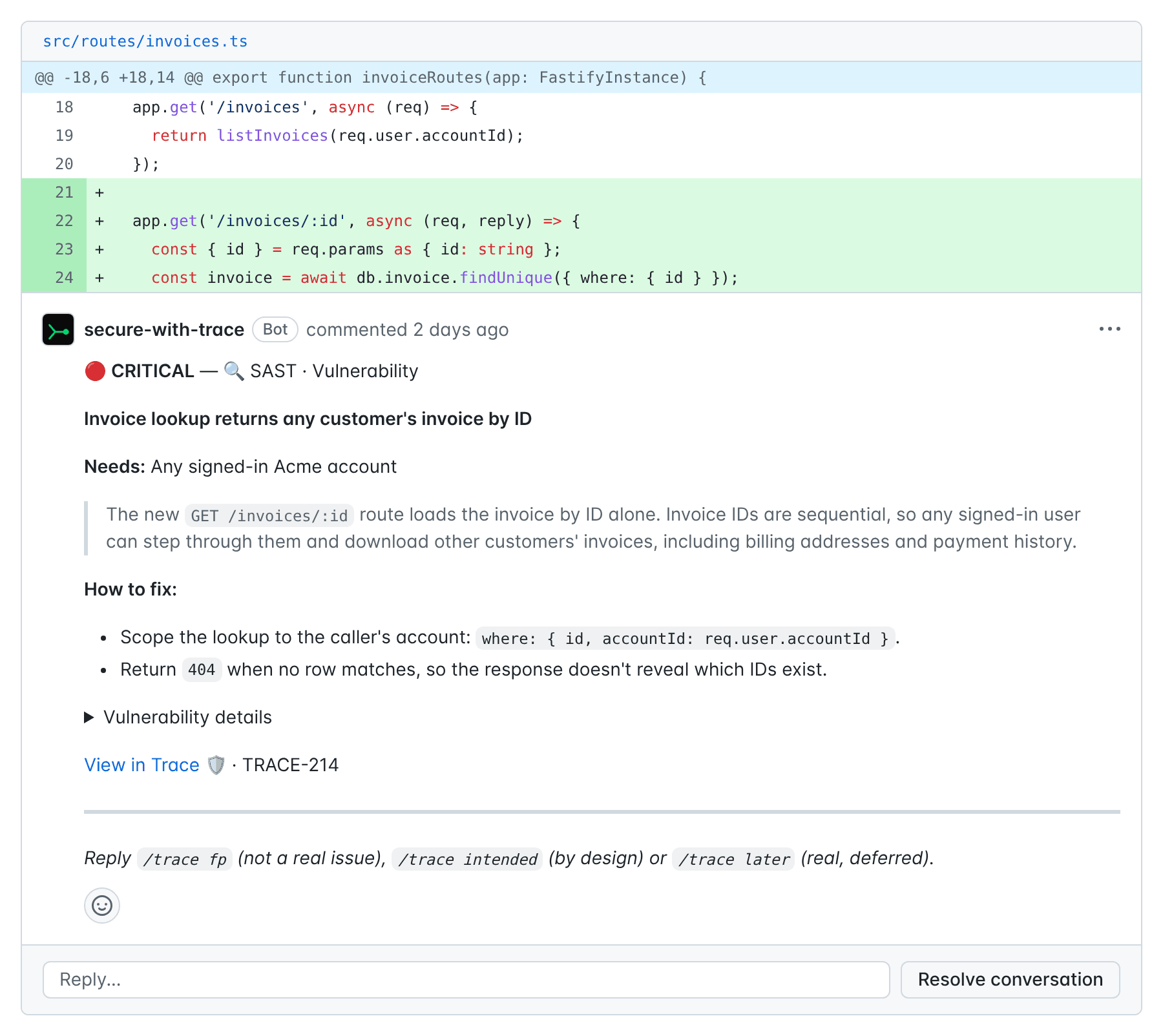
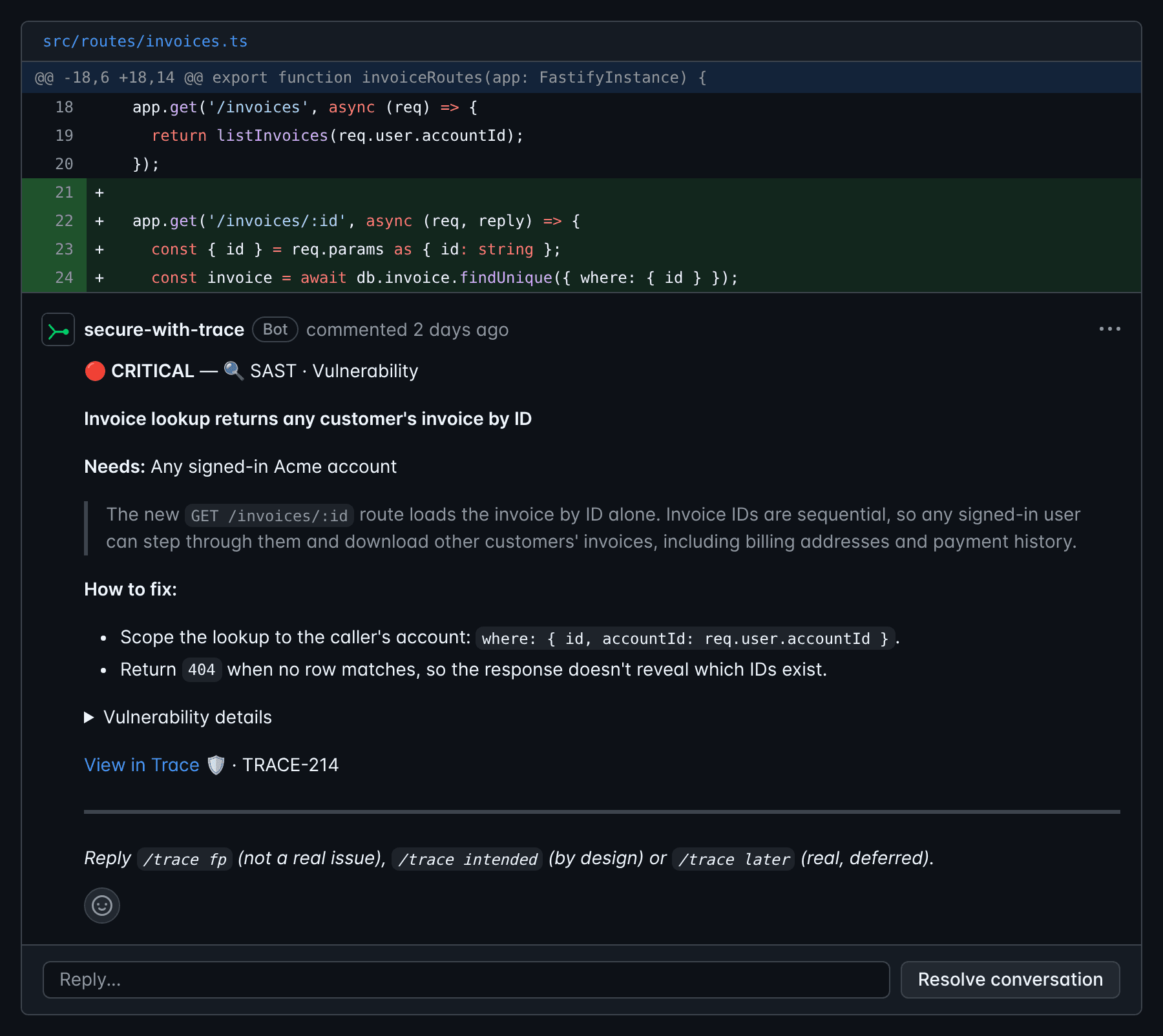
You can configure whether findings block a merge or not. When you push a fix, Trace strikes through the original review comment and resolves its thread.
If a review can't finish, the Trace Security Scan check is marked neutral, so it doesn't block your merge, and its title and summary show which part didn't run. A scan you cancel yourself still fails the check. The repository's page in your dashboard says what to do next, which is usually to run the scan again.
Triaging findings from the pull request
Reply to a Trace comment with a /trace command to change the finding's status without leaving GitHub. Anything you write after the command is kept as the reason.
| Command | Marks the finding as |
|---|---|
/trace fp | A false positive |
/trace intended | Intended behavior |
/trace later | Deferred |
/trace ignore | Accepted risk |
For example:
/trace fp the agents module isn't reachable from any routeTrace replies to confirm the change. When you mark a finding as a false positive or intended behavior and give a reason, Trace remembers it for that repository and stops raising findings the reason covers.
Seeing what it caught
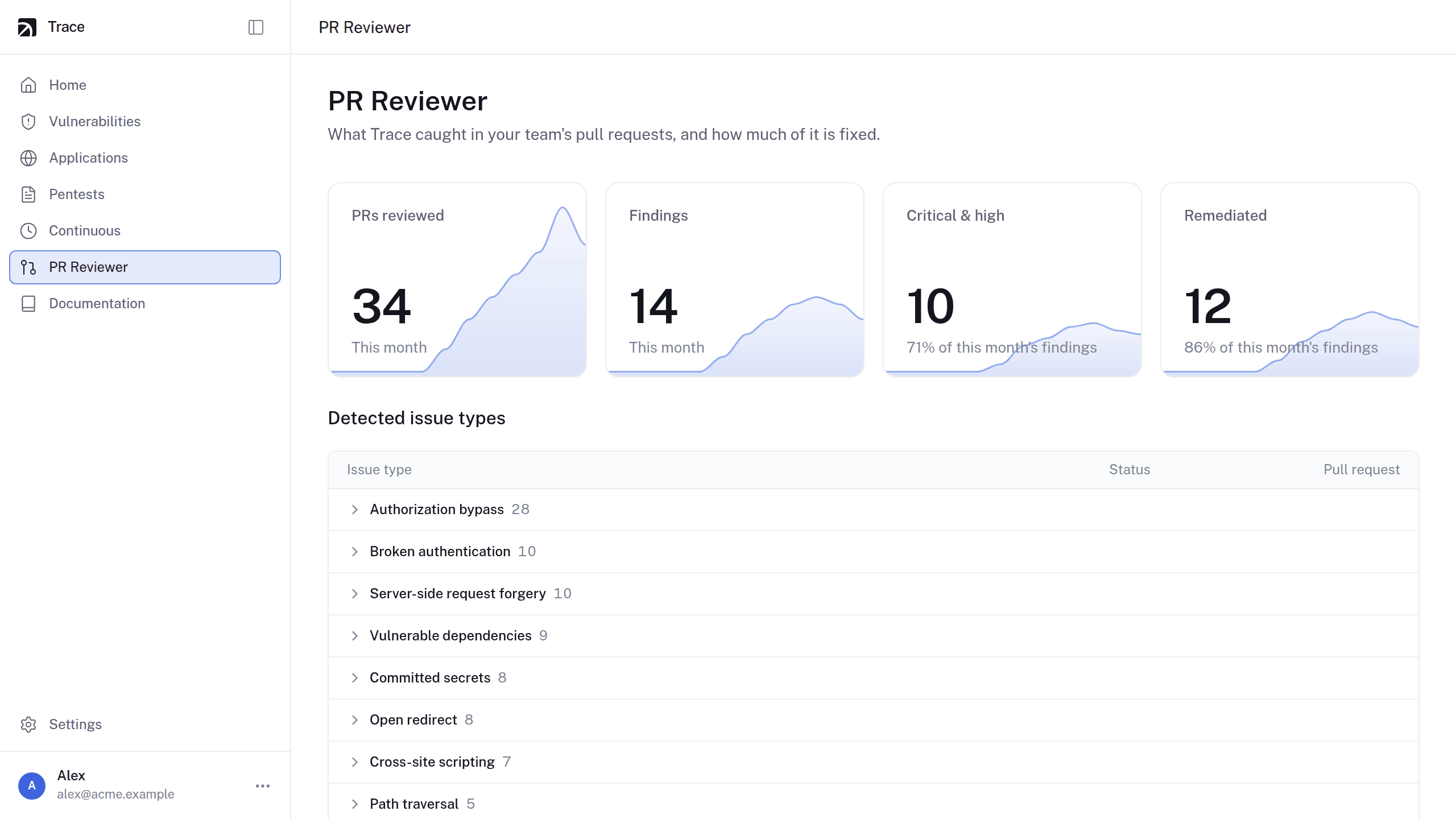
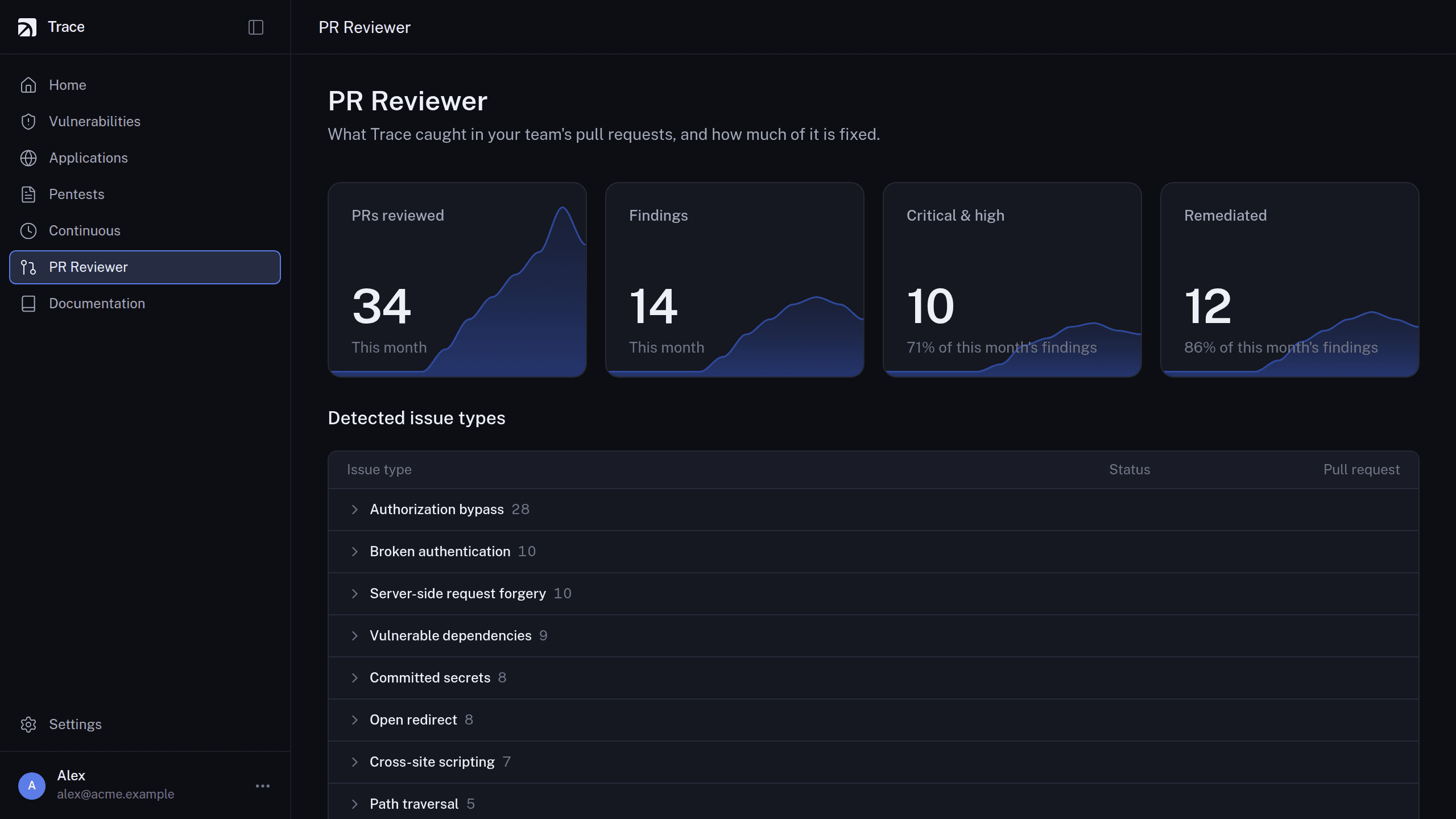
The PR Reviewer page in your dashboard sidebar shows this month's numbers: the pull requests Trace has reviewed, the findings it raised, how many were critical or high, and how many your team has fixed. Hover a card's trend to read the same count for an earlier month.
If the PR Reviewer isn't part of your plan yet, choose Reach out on the same page and the Trace team emails you to get your team started.